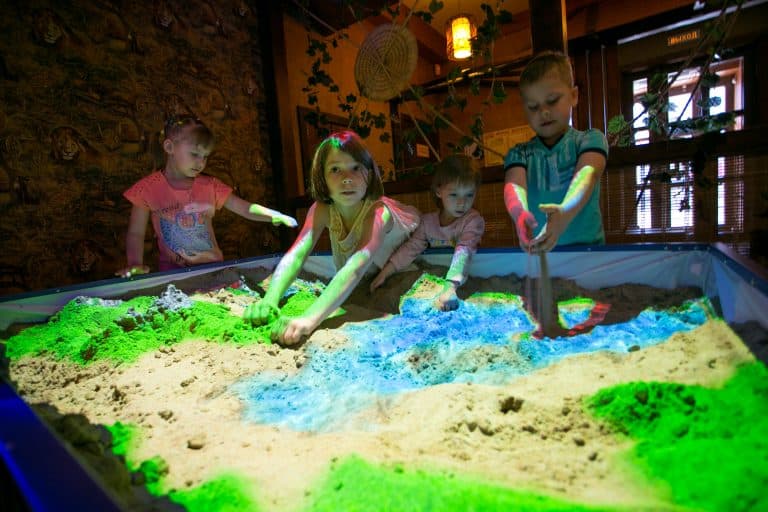
Using wet sand in an interactive sandbox allows for diversifying lessons and widening the teacher's opportunities while solving educational, developmental and remedial tasks.
By simply adding water, you get an additional wide range of functions for an interactive sandbox. Thanks to it, the interactive development environment created around iSandBOX becomes more variable. Additional possibilities that wet sand gives:
- It becomes possible to create objects which are not available in sandbox modes. For instance, you can study volumetric geometric shapes or form sand balls — an excellent alternative to sculpting.
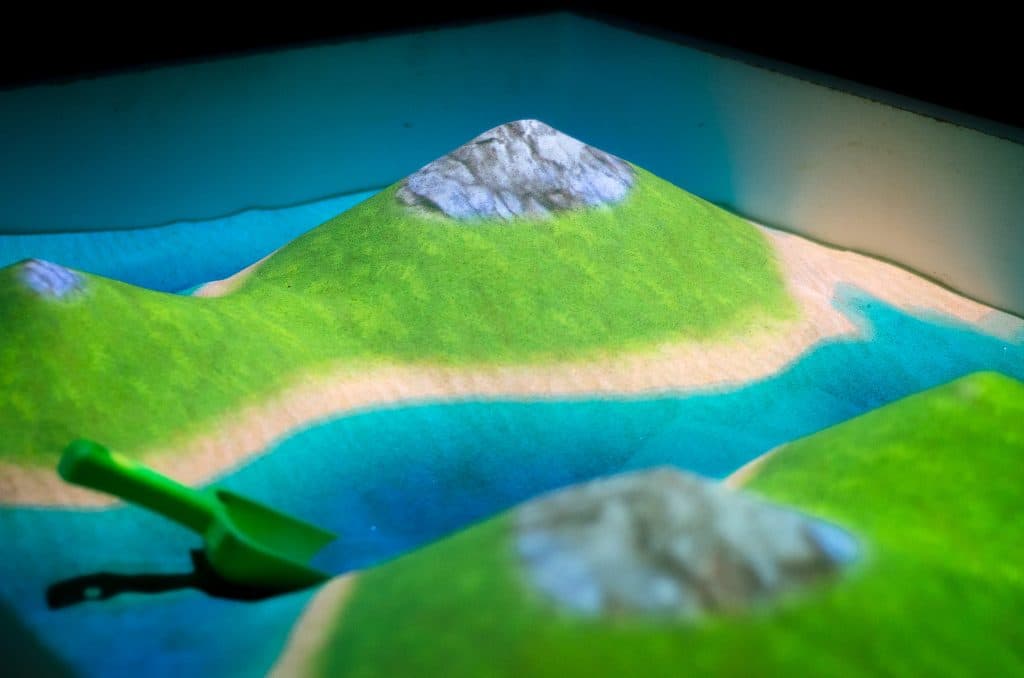
- Due to moisture, the sand grains' adhesion increases, allowing you to build castles' steep walls, deep ditches and perfect continents' outlines. Thus, you have more opportunities to model a landscape for projects and presentations.
- You can shape more complex, detailed objects while modeling large items. Use your fingers or additional tools to create shapes as you would while making sculptures, or include molds in a game.
- Wet sand is heavier, but it holds its form better because of high grain adhesion. While working with wet sand the strain on muscles does not increase, however it is distributed differently than in tasks with dry sand.
- It requires more focus and attention to smooth the surface or to make correct contours. Thereby, children's determination, patience and diligence are fostered.
Task examples in iSandBOX with wet sand
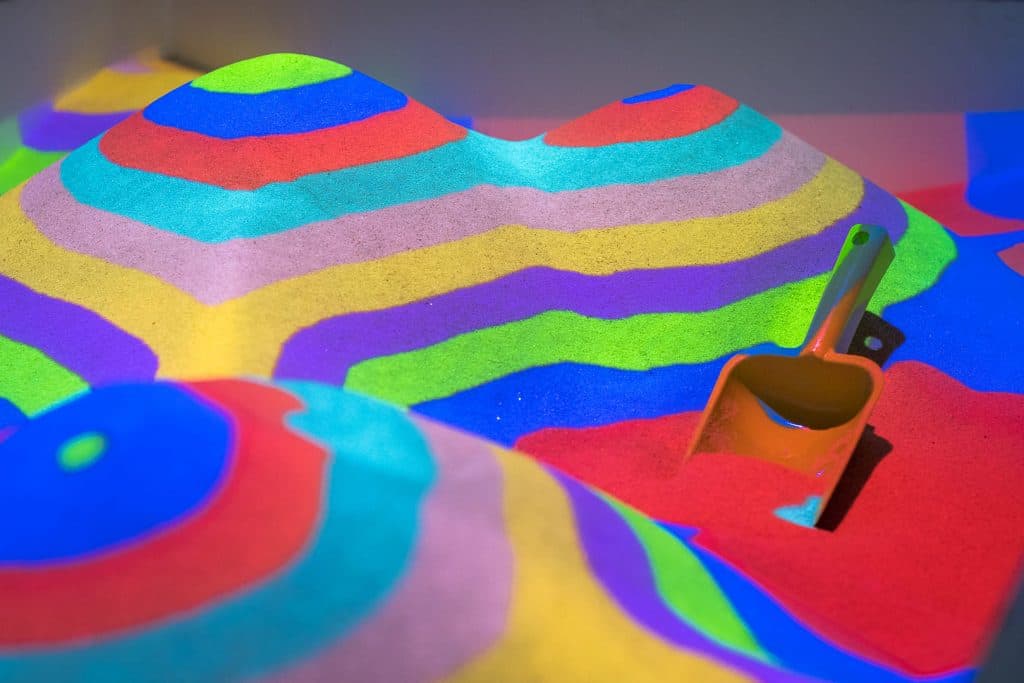
1. Serpentine road racing
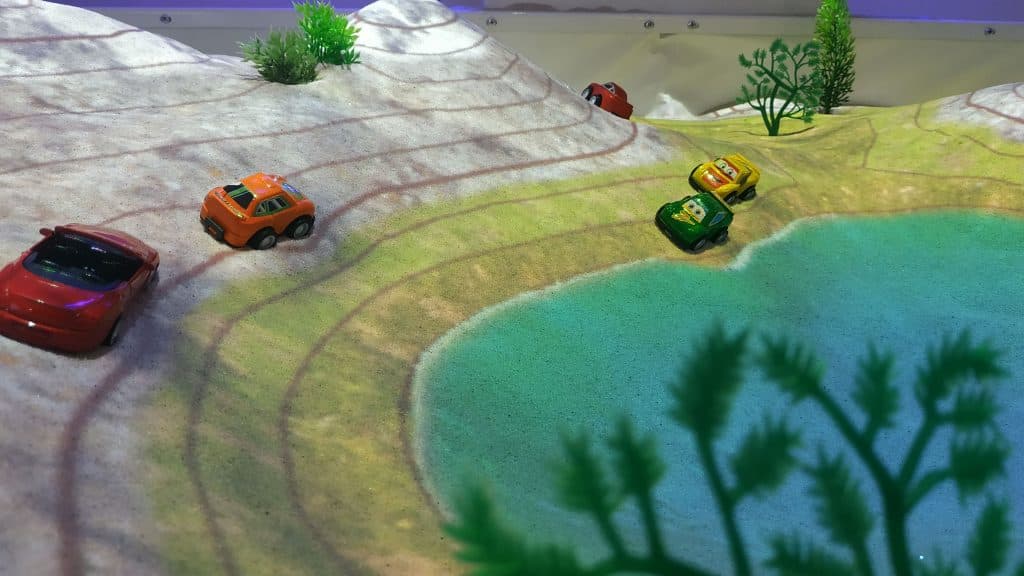
Aimed at speech, social, communicative and cognitive development. Mode (optional): Elevation Map, Artist. Props: toy cars, artificial plants, stones, etc.
Rules: Form a multicolored serpentine road. Set the desired width of stripes in the settings (on the tablet), based on the width of the cars' wheels. Then assign the roles — referee, racers, commentator — and begin the race. Kids can move toy cars according to the different tasks you make up for them. For example, create a route and let children follow it step by step after solving the riddles you ask.
2. Sleepy caterpillars
Aimed at cognitive, artistic and aesthetic development. Mode (optional): Artist. Props: colored mosaic, pebbles and any other pieces of decor.
Rules: Beforehand, tell children how caterpillars become butterflies. Then, in the sandbox, mold sand balls and put them in the form of caterpillars. Use the props you prepared to decorate them, and kids can play with them — for instance, feed them. Next, it is time for children to fantasize: let them imagine what butterflies their caterpillars are going to turn into, then form the butterflies with their hands, using additional tools if they wish.
3. Birthday cake
Aimed at speech, social, communicative, artistic and aesthetic development. Mode: Artist (or any other by choice). Props: colored mosaic, sand molds, flameless candles and any other pieces of decor.
Rules: To start, choose a character (any toy) for whom you will prepare a birthday and bake a cake. Beforehand, ask children to bring their favorite sand molds from home. Then begin to form a fairly big cake — its appearance depends on the kids' possibilities: it can be round, square, multi-tiered, etc. Decorate the baked cake using sand molds and props.
4. Funny train
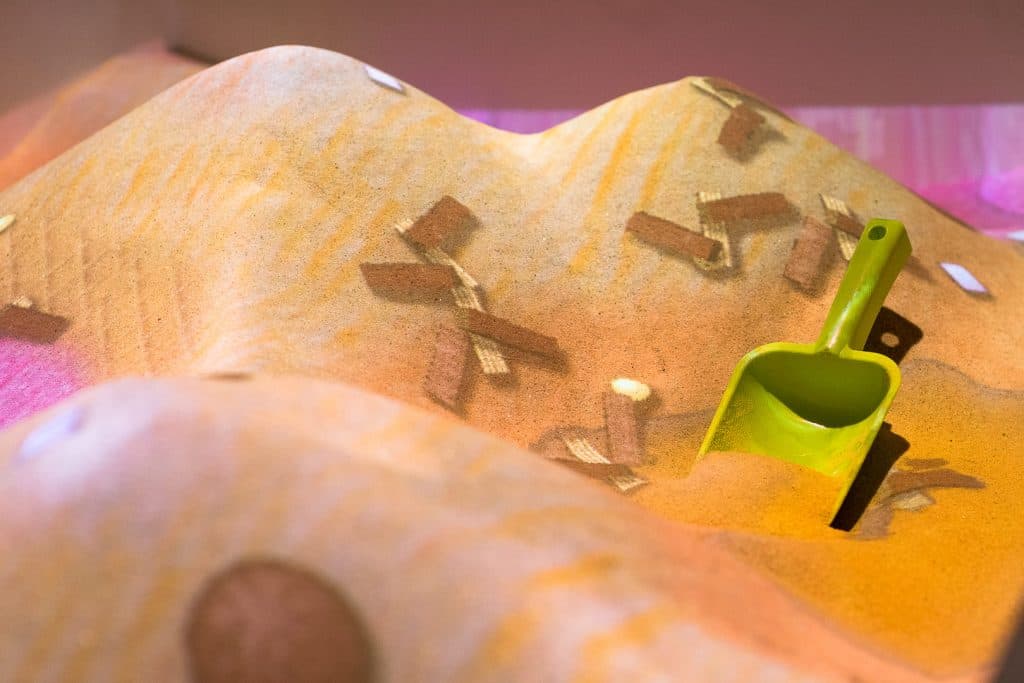
Aimed at cognitive, artistic, aesthetic and speech development. Mode: Artist (or any other by choice). Props: themed figures (for example, figures of animals).
Rules: Shape a train in the sandbox. You can use molds, sand shovels or any other tools that let you form even train wagons. Then let kids seat passengers or place goods. Read a rhyme with a riddle to the children — let it be about transport, a character or a load.
5. Sand writing
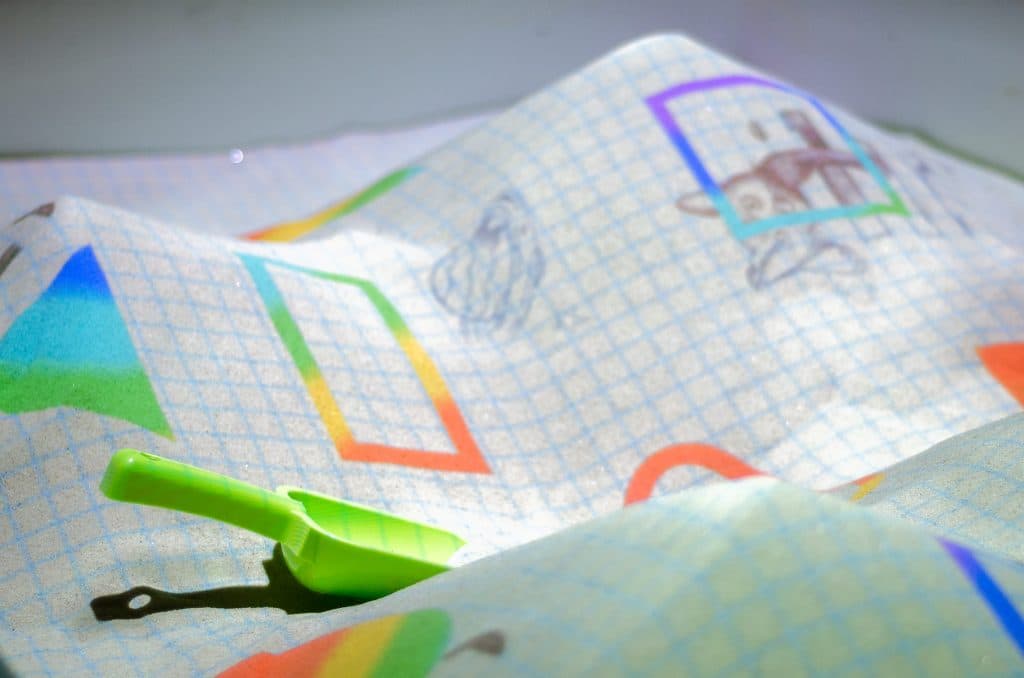
Aimed at cognitive, artistic and aesthetic development. Mode: Shapes and Colors. Props: you can use sticks.
Rules: First, use the tablet to select a play scene with the desired geometric figures. Smooth the sand surface. Together with the kids, outline the contours of the figures with fingers or sticks. Alternatively, outline the figures with props — for example, pieces of colorful mosaic. Have a competition: whose outlines are the smoothest?
Use these games to make your lessons with iSandBOX even more interesting and effective!